Public mail settings
Reviews mail routes, published SPF and DMARC policies and other supported DNS indicators. It does not attempt a live SMTP delivery test.

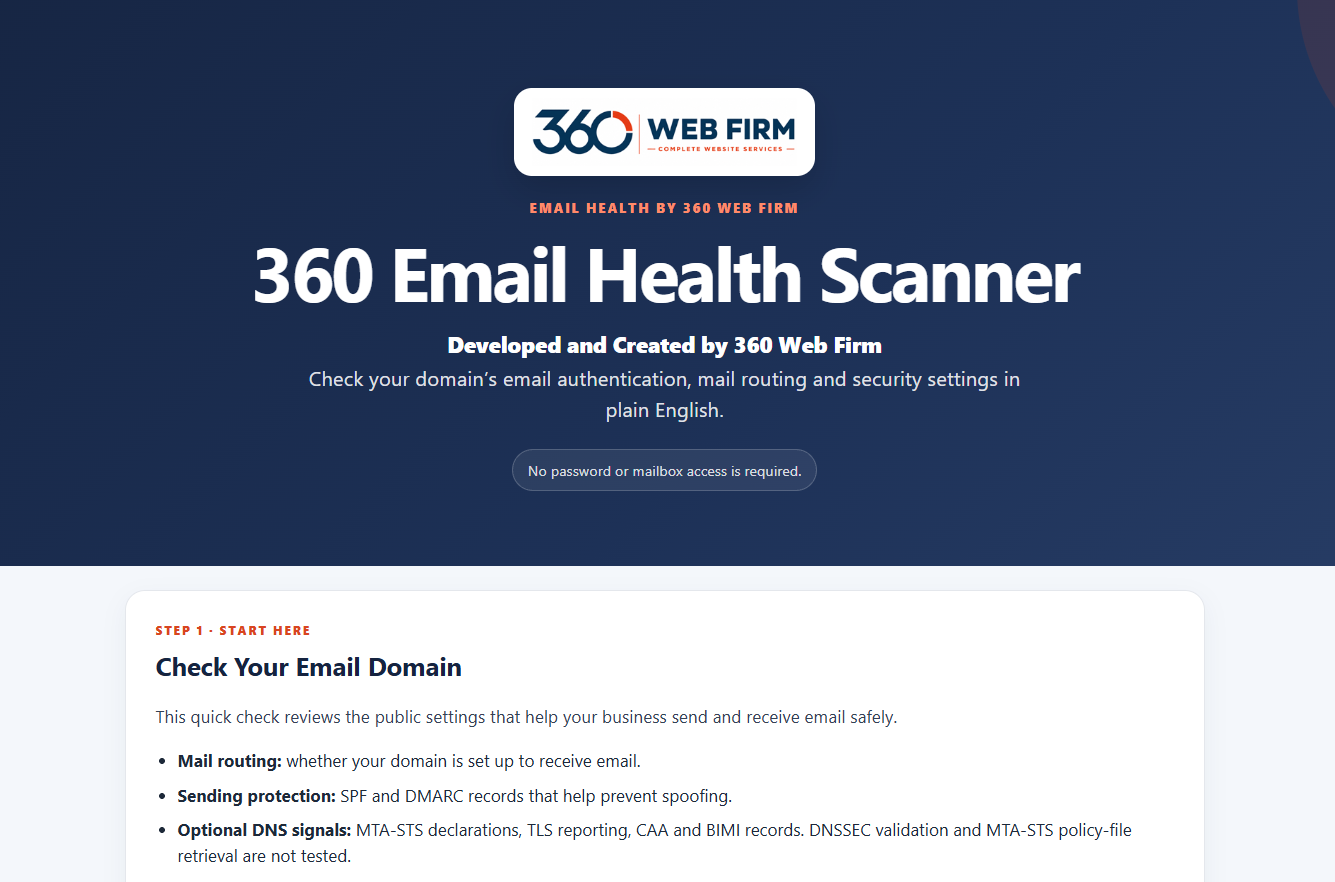
The Email Health Scanner reviews public mail settings for your domain and can inspect limited evidence from a received test message. We use it to identify settings that need a closer look during a website project.
Public domain settings and optional received-message evidence
MX routing, SPF sender policy and DMARC policy
A received test message can add evidence about authentication
Reviews mail routes, published SPF and DMARC policies and other supported DNS indicators. It does not attempt a live SMTP delivery test.
A test message can provide a DKIM selector and limited headers. Authentication is presented as confirmed only when trustworthy receiver evidence is available.
We explain which findings are good, optional or need investigation, so a configuration change is made with the full email setup in mind.
We can scope any DNS changes or email troubleshooting separately when the review reveals work outside your website project.
Website projects often involve forms, domain settings and more than one sending service. Published authentication settings should reflect the services that actually send mail for your domain. We review what the scanner can observe and confirm changes with the relevant email provider.
A strong domain score does not prove inbox placement, a message reached every recipient, or that every sending service is configured. DKIM cannot be conclusively assessed from a domain alone.
Each tool reviews a different part of your online presence and helps explain where action may be useful.
Find issues that could affect how people and search engines experience your site. The report groups findings so we can discuss what deserves attention.
Review key pages for clear service information and useful next steps. See where the path from first visit to enquiry may need work.
Check public mail routing and authentication settings without a mailbox password. A separate test email can add evidence about how a received message was handled.
Discover possible backlinks through relevant business listings, local resources and industry websites. Review each prospect before deciding whether to pursue it.
Part 1 reviews public mail routing and published SPF and DMARC settings without asking for a mailbox password. Part 2 can add limited evidence from a received test email when one is available.
It helps identify settings worth discussing; no scanner can promise delivery to every inbox.
Steve walks through the public domain checks and a received test email, showing how SPF, DKIM and DMARC evidence appears in the report.
See what the scanner checks and where its findings may need further investigation.
We look at the public settings connected to your business email and discuss any findings relevant to your new site. Mailbox support, migration and DNS repairs are quoted separately when required.
Let’s review your website and the email path behind its enquiries.